
Launches and galas
Launch and gala guest management: no queue at the door
Guests confirm their attendance through the form and receive a personal QR invitation. QR codes are scanned at the door, and when the event ends you give your client a same-day report of who came and who did not.

Wibilet launch and gala guest management helps agencies and companies manage the guest list, attendance confirmations, QR check-in at the door and the post-event guest report from a single panel.
Sound familiar?
Launches and galas: what changes with Wibilet?
Attendance confirmed by phone, the list uncertain until the last minute
Guests confirm through the form, the list is live
Hostesses search for names on a printed list at the door
The QR is scanned in a second
The client asks “who came” and the answer takes days
A came / did not come report on the same day
How it works
Launches and galas on Wibilet, step by step
-
1
Prepare the guest list
Upload your list from Excel or share the registration form; your logo or your client’s is on the registration page.
app.wibilet.com
-
2
Invitations go out
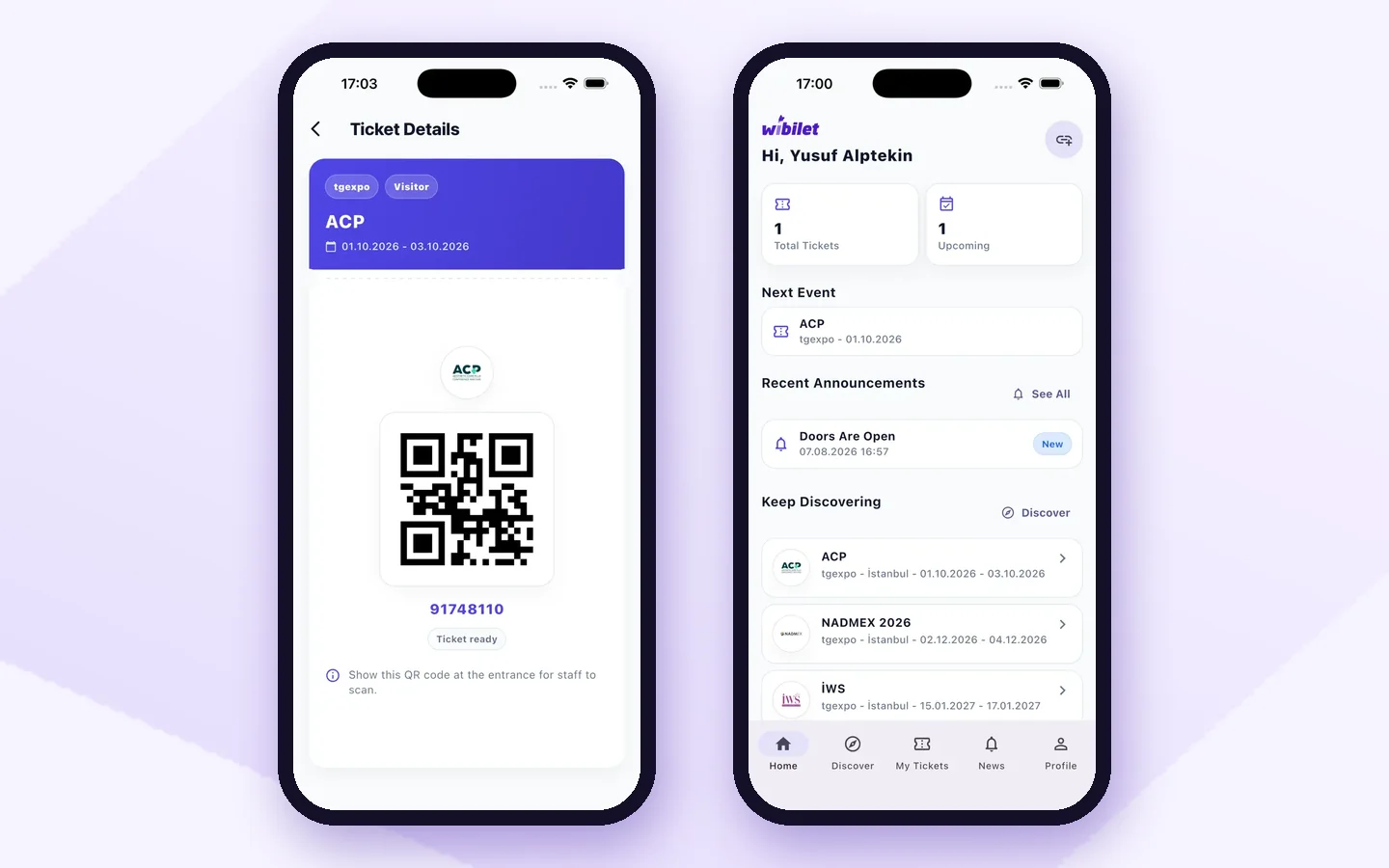
Each guest receives a personal QR invitation by email, or by WhatsApp if you prefer.
-
3
Scan QR codes at the door
Hostesses scan with the app on their phones; the same QR scanned twice triggers a warning.
app.wibilet.com
-
4
Give your client the report
Guests who came and who did not, with entry times: in Excel as soon as the event ends.
app.wibilet.com
Who uses it?
- Event and organization agencies
- Brand and corporate communications teams
- Hotels and event venues
Features used for this
What is the difference?
Running an event with spreadsheets, forms and email vs. Wibilet
Most events still run on a registration form, a spreadsheet and an email thread. Here is how the same work runs on Wibilet:
Registration and attendee list
Form answers are copied into a separate sheet and cleaned by hand
In the panel the moment people register; your existing list uploads in one go
Invitations and tickets
Emails one by one, no idea who received them
A personal QR ticket goes out by email on registration, and by WhatsApp if you want
Check-in at the door
Staff search a printed list, queues build up
The QR is scanned in a second; check-in keeps working even if the internet drops
Who actually came
Lists are compared after the event
Who entered, when and which hall: live in the panel
Attendance certificates
Prepared one by one from a spreadsheet, sent even to no-shows
Only for checked-in attendees, automatically, with the name they typed themselves
Post-event report
Days of compiling
Ready the moment the event ends
FAQ
Frequently asked questions
Can our agency use it at our client’s event?
Yes. You can offer Wibilet to your clients with your own logo; you set the price and invoice, while setup and technical support come from Wibilet.
Can we separate VIP guests?
Yes. You can open separate ticket types such as VIP, press and protocol, and see the guest list and report by ticket type.
Can we create a table or seating plan?
No. Wibilet has no table seating module; it is used for the guest list, invitations, check-in at the door and the attendance report.
Can it be used for weddings and private events?
Yes. Invitations, attendance confirmation and QR check-in at the door work the same way at weddings and private events.
Open your panel yourself today.
Pick your event type and your panel comes ready. 7 days free; our team helps with the setup.