
The congress is over and the halls are empty. For the organising team, though, one more job begins: attendance certificates. Checking hundreds of names one by one, preparing and sending the certificates, then answering the "I never got my certificate" emails often takes days.
In this article we look at where the certificate process usually breaks down at congresses, conferences, training programmes and workshops, and how a digital system can run it end to end on its own.
The most common problems with attendance certificates
1. Misspelled names and titles
Registration lists are usually merged from several sources: online forms, emails, and names added by hand at the registration desk. Broken special characters, missing titles or swapped first and last names end up printed on the certificate. Every mistake means a correction request and a resend.
2. Certificates for no-shows
When certificates are prepared from the registration list, people who registered but never attended receive one too. For congresses and training programmes that issue certificates for professional development, this undermines the value of the certificate.
3. Delays and lost emails
When certificates go out in a bulk email days after the event, some land in spam and some go to the wrong address. When participants need their certificate, they have to ask the team for it again.
4. Tracking multi-day, multi-hall events
At a congress with parallel sessions, tracking who attended which session with paper sign-in sheets is close to impossible. If certificates depend on attendance, that information has to be recorded.
The digital certificate process, step by step
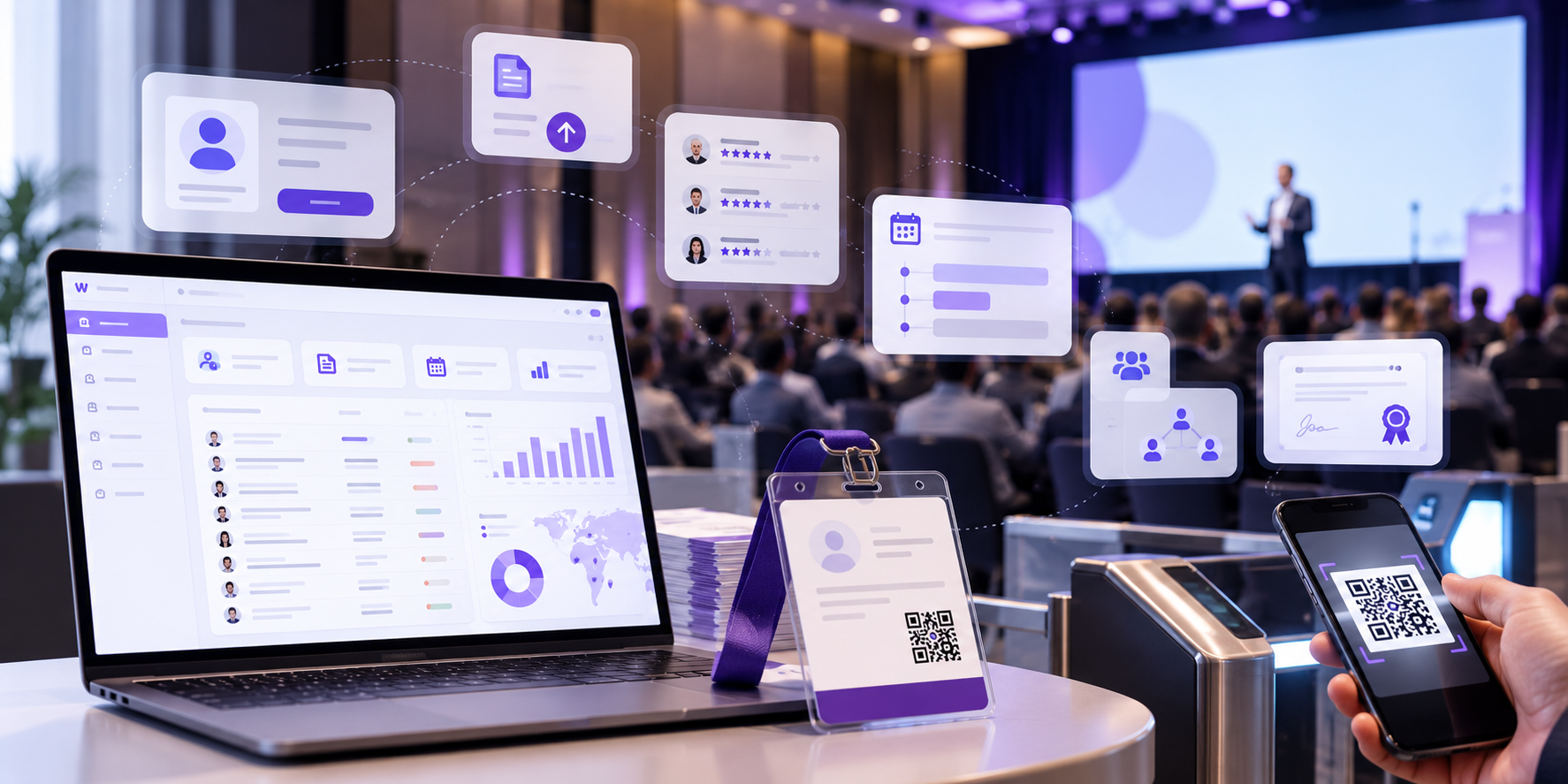
In a well-designed system, the certificate is not a task that starts after the event. It is an output that builds itself from the moment of registration.
- Registration: Participants enter their own name and, if needed, their title in the online form. What appears on the certificate is exactly what they typed.
- Personal QR code: Every participant receives a unique QR code, available in their email and in the mobile app.
- QR scan at entry: The QR code is scanned at the event entrance or at hall doors. Who came, on which day and to which session is recorded automatically.
- Certificate design: A certificate template is prepared with the event's own design, logos and signatures. Fields such as name, event title and date are filled in automatically.
- Certificates generated: When the event ends, certificates are ready name by name, based on entry records. No certificate is created for people who did not attend.
- Download: Participants download their certificate themselves from the mobile app. No waiting for a bulk email, no "where is my certificate" threads.
Does paid or free registration make a difference?
No. The certificate process is independent of whether registration is paid or free. The flow is the same at a free association meeting and at a paid international congress: registration, QR at the entrance, certificate at the end. For paid registration a payment step is added to the form; the certificate process stays the same.
Certificates for training programmes and workshops
For training companies, university continuing education centres and workshop organisers, the certificate is often the most visible outcome of the programme. The real need here is attendance tracking: in a programme that runs for several days or weeks, how many sessions a participant attended decides whether they have earned the certificate.
Scanning a QR code at the start of each session replaces the sign-in sheet and takes roll call down to seconds. With attendance records in hand, you decide who has earned a certificate based on data, not guesswork.
What an attendance certificate should include
- The participant's full name (and title, if any)
- The full name of the event
- The date and venue of the event
- The organising institution or institutions and their logos
- Names, titles and signatures of authorised persons
- For training programmes, the total duration or number of hours
- A certificate number that identifies the document
If your institution or an accrediting body requires additional information, the template should be prepared accordingly.
Attendance certificates with Wibilet
In Wibilet, registration, QR check-in and attendance certificates run in the same system. Participants register themselves, QR codes are scanned at hall entrances, certificates are ready in the event's own design when the event ends, and participants download them from the mobile app. A separate panel for each event can be set up the same day.
See the Congress and Training module for other congress features, or the Training and Workshops solution for training companies. If you would like to see a demo panel set up under the name of your next event, just leave a demo request.
Frequently asked questions
What is the difference between an attendance certificate and a certificate of achievement?
An attendance certificate shows that a person attended the event. A certificate of achievement usually documents that the person passed an exam or assessment or gained a specific qualification. In everyday use the terms are often mixed; the digital process is the same for both.
When should attendance certificates be issued?
Ideally, as soon as the event ends. Since entry records are already in the system, certificates can be ready the same day, while the event is still fresh in participants' minds.
Should registered participants who did not attend receive a certificate?
Since the purpose of the certificate is to show attendance, it is better not to issue one. In a system with QR check-in, certificates are created only for people who actually attended.
Can attendance be tracked by day or by session at multi-day congresses?
Yes. When QR codes are scanned at hall entrances, who attended which day and which session is recorded. This data is the basis for certificate decisions and post-event reports.
Where do participants download their certificates?
In Wibilet, participants download their certificate themselves from the mobile app, without having to contact the organising team.